Development Recap (2025)
This post is a continuation of Development Recap (2024).
16.02.2025
Damier's codebase had become a mess and the UI was very broken. The idea of implementing my own way to handle multiple screen sizes made it impossible for me to continue, yet I tried.
I got a new phone in the meantime: a Google Pixel 8 Pro, maybe part of the reason I restarted development.
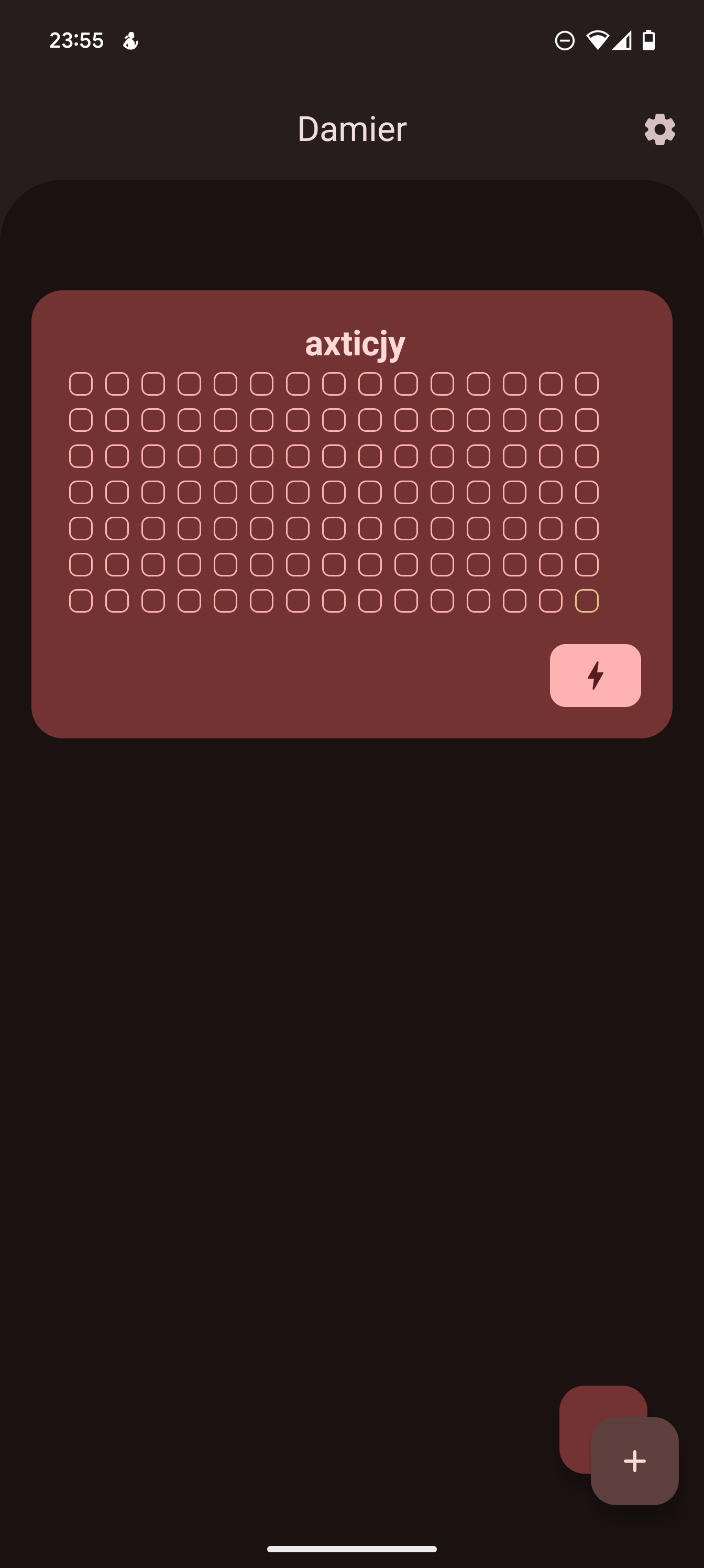
For whatever reason, type-safe navigation has to be handled differently in this app. If I just try to use kotlinx serializable, like I did for Nodem, it will crash. Probably because I need to observe the navigation destinations, which could be null, but it cannot decompile the destination null to a screen, so I had to use a different approach, than I did before.
17.02.2025
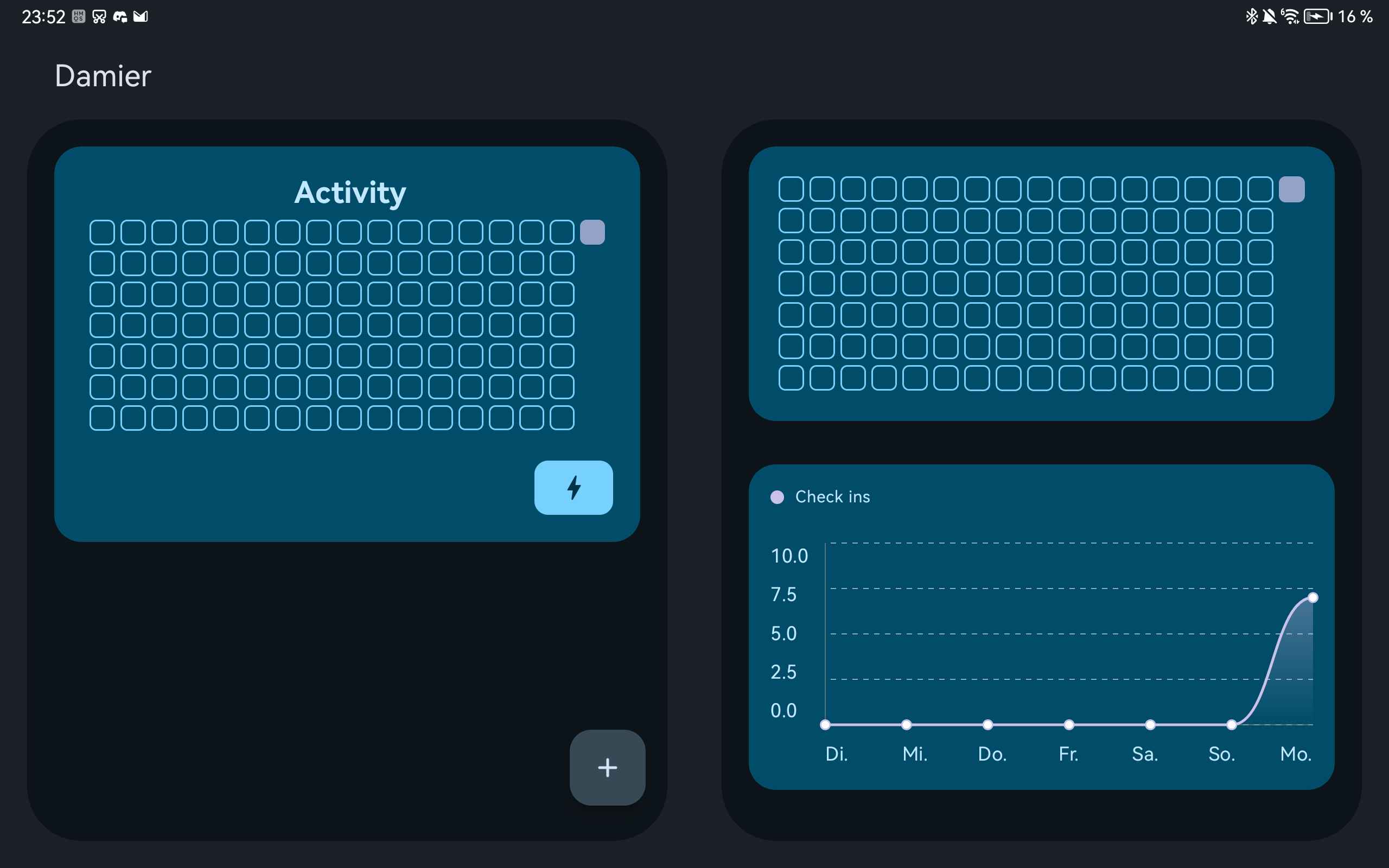
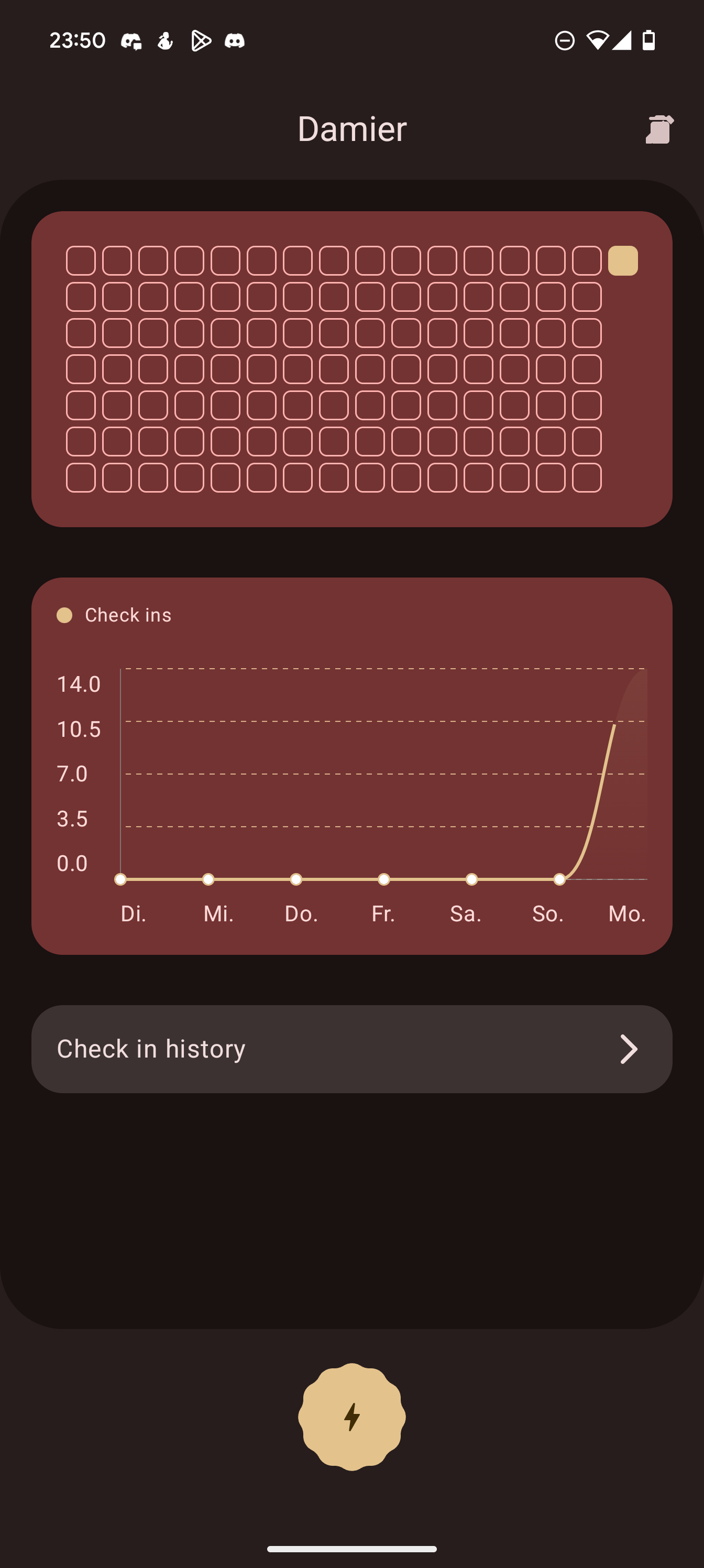
The issue was something else entirely: the way I handled multiple screen sizes was not working correctly with the serialization of Damier's data. Yet I did not give up on using my custom approach, even though there was a library that could have replaced all the work I'd already done. Eventually, I fixed the issue, and Damier was working again:
And then, I took another break, one where I focused on a lot of other things, especially mental health and buying my own domain, as well as setting up my own website.
01.04.2025
I made cells selectable, so you could go back in time and see your progress on specific dates. A feature that hasn't made it to the current version of Damier: it was completely replaced by the check-in history, and I figured there was no benefit in making it available.
02.04.2025
I made it possible to select a reference type for activities. The reference type "Goal" would allow you to enter your own goal, meaning how often you wanted to do your activity. Back then, you could set a default amount for goals in the settings; this option was later removed in favor of per-activity goals. I also introduced the reference type "Limit", which back then had no distinct color scheme, unlike in today's version.
In the past, I also used an extra card to show today's progress using a linear progress indicator.
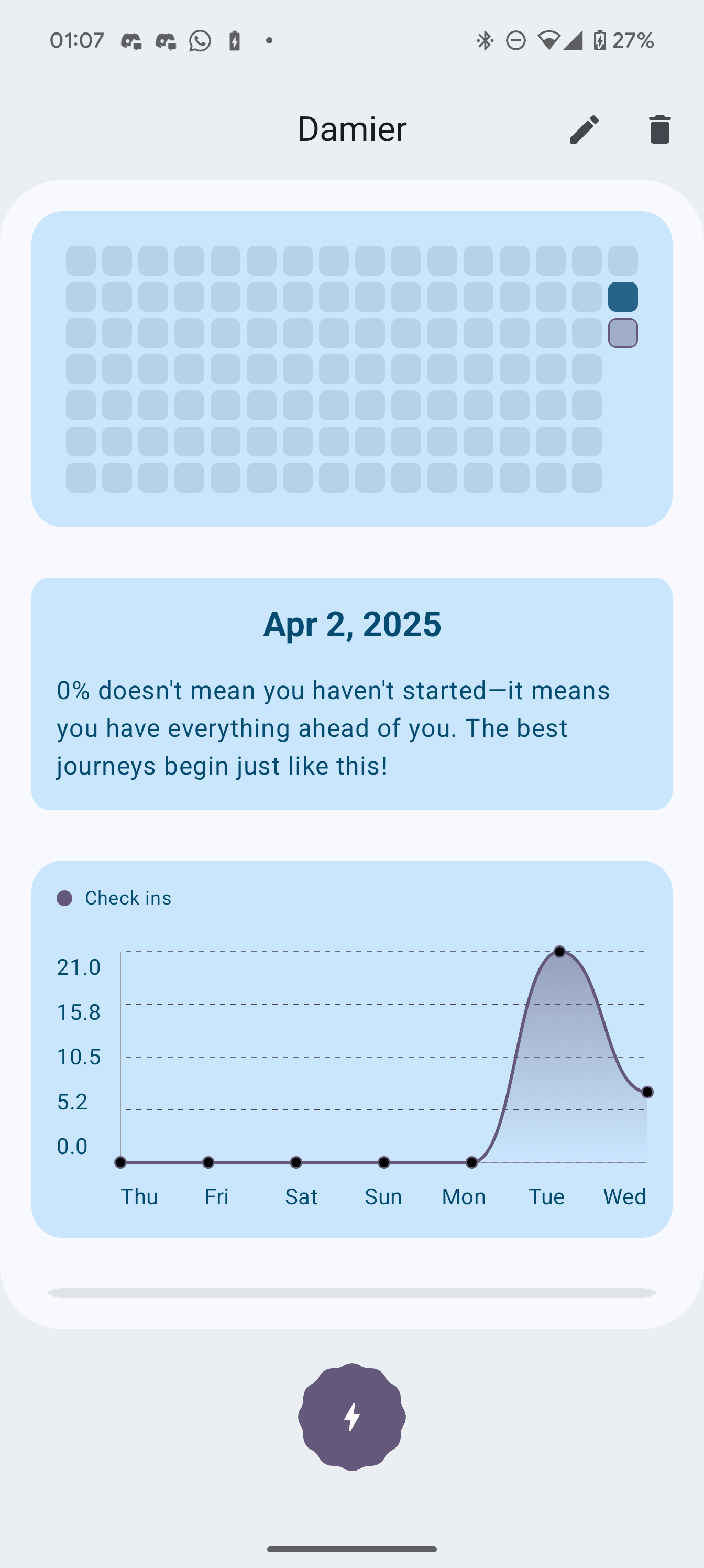
I also did a lot of code cleanups and refactored the structure of the app.
05.04.2025
I changed a few animations. Additionally, I created logic to determine when to use a dialog and when to use a bottom sheet, based on the screen size. Today that is not really necessary since most things are actual screens, but back then I was obsessed with bottom sheets.
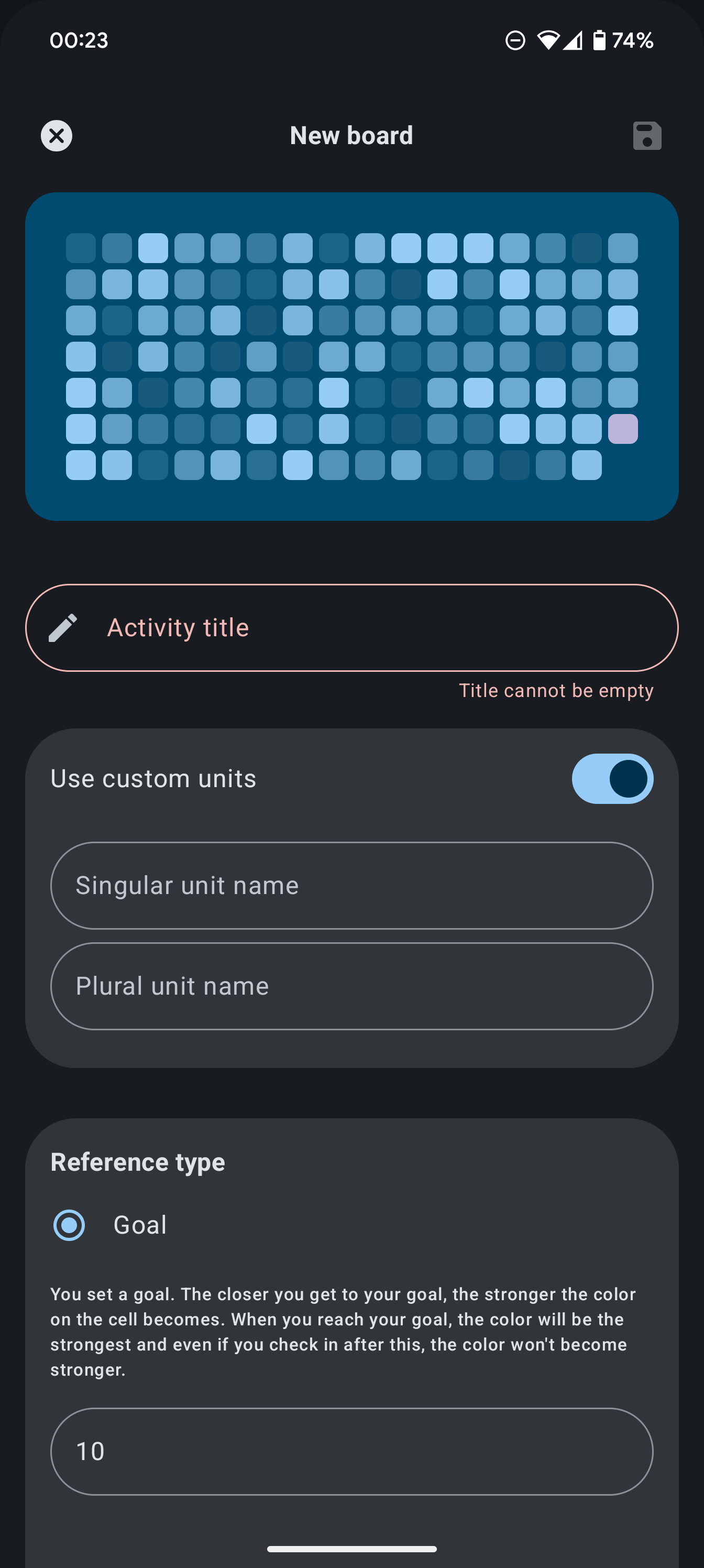
I also added a few descriptions to the reference types to further explain what they do.
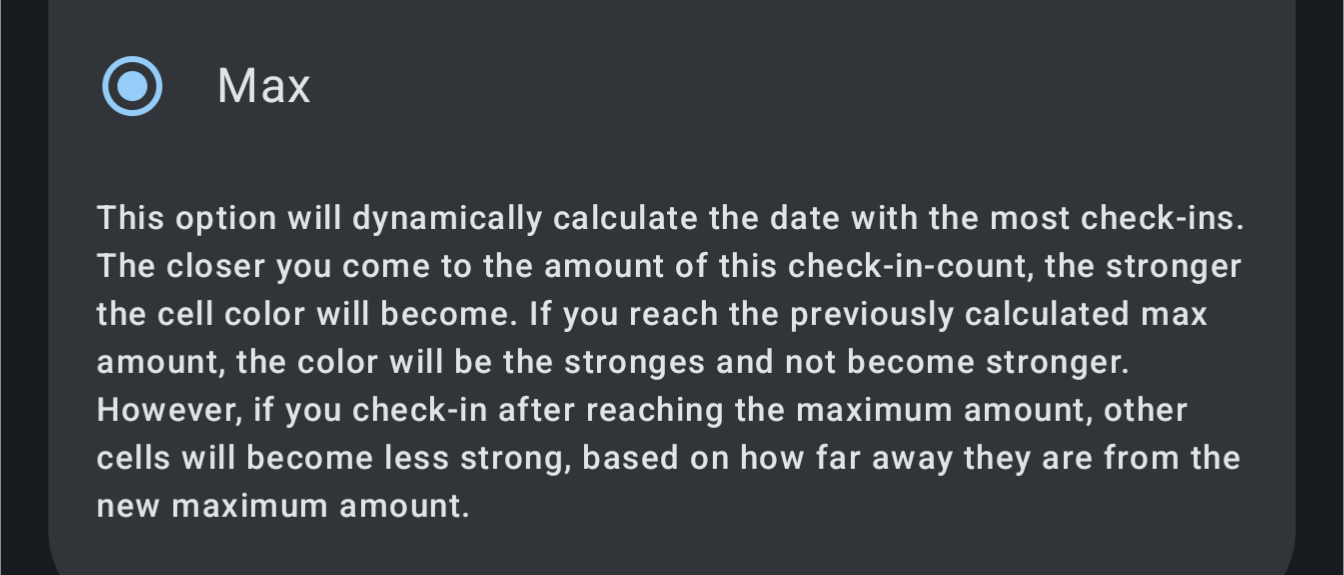
Additionally, I partially introduced the new color scheme for activities using the reference type "Limit".
17.05.2025
Material 3 Expressive was finally ready to be used inside my project, with proper (alpha) support.
Material 3 Expressive also finally introduced a MaterialShapes API, allowing me to properly shape my icon button.
Before, I used canvas to create a shape that messed up the ripple effect when pressing the icon button. The
MaterialShapes API finally fixed that.
After that, there was another huge break.
12.11.2025
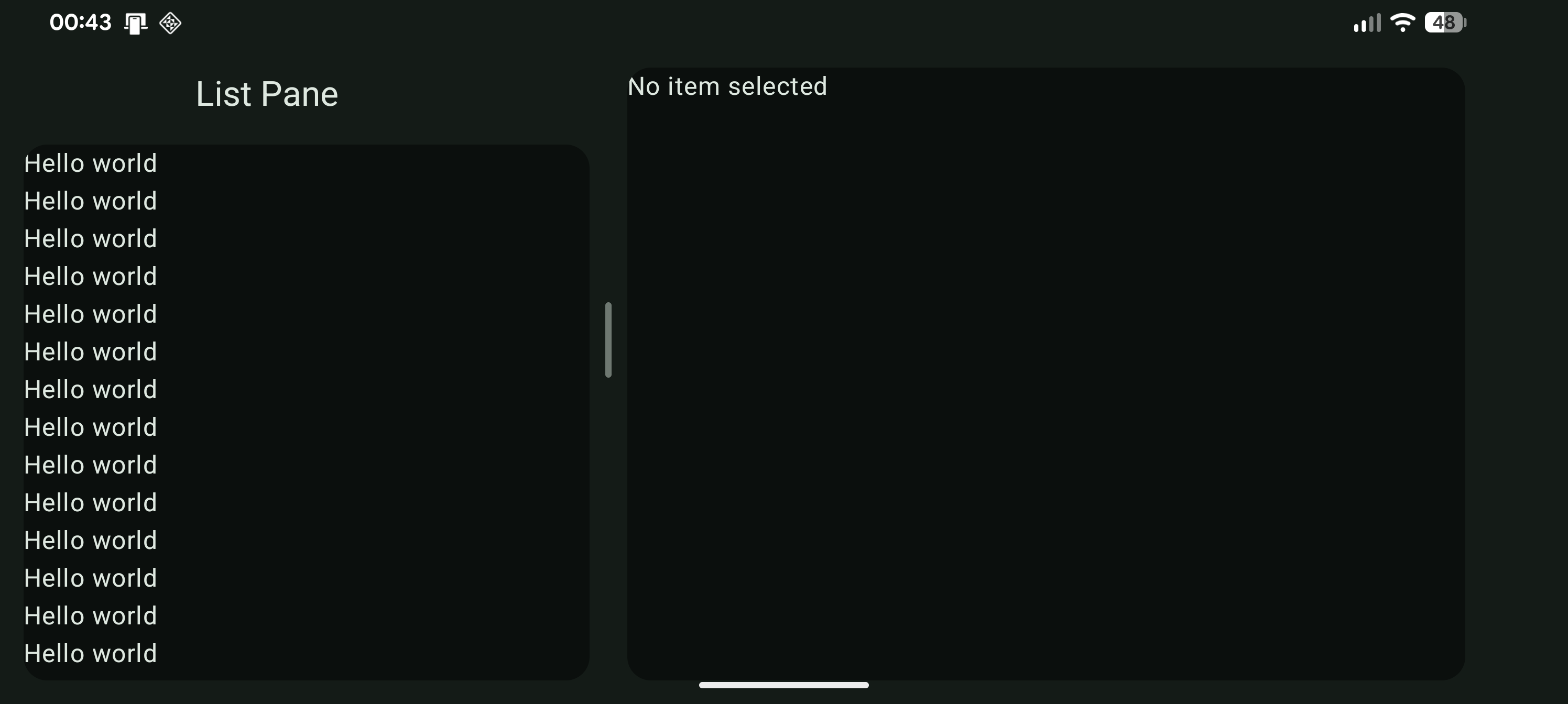
It took me almost six months to restart working on Damier. My motivation to continue came from finding out how to make supporting multiple screen sizes easier and from discovering that Material 3 Adaptive has an API for pane resizing, as shown in the video below.
13.11.2025
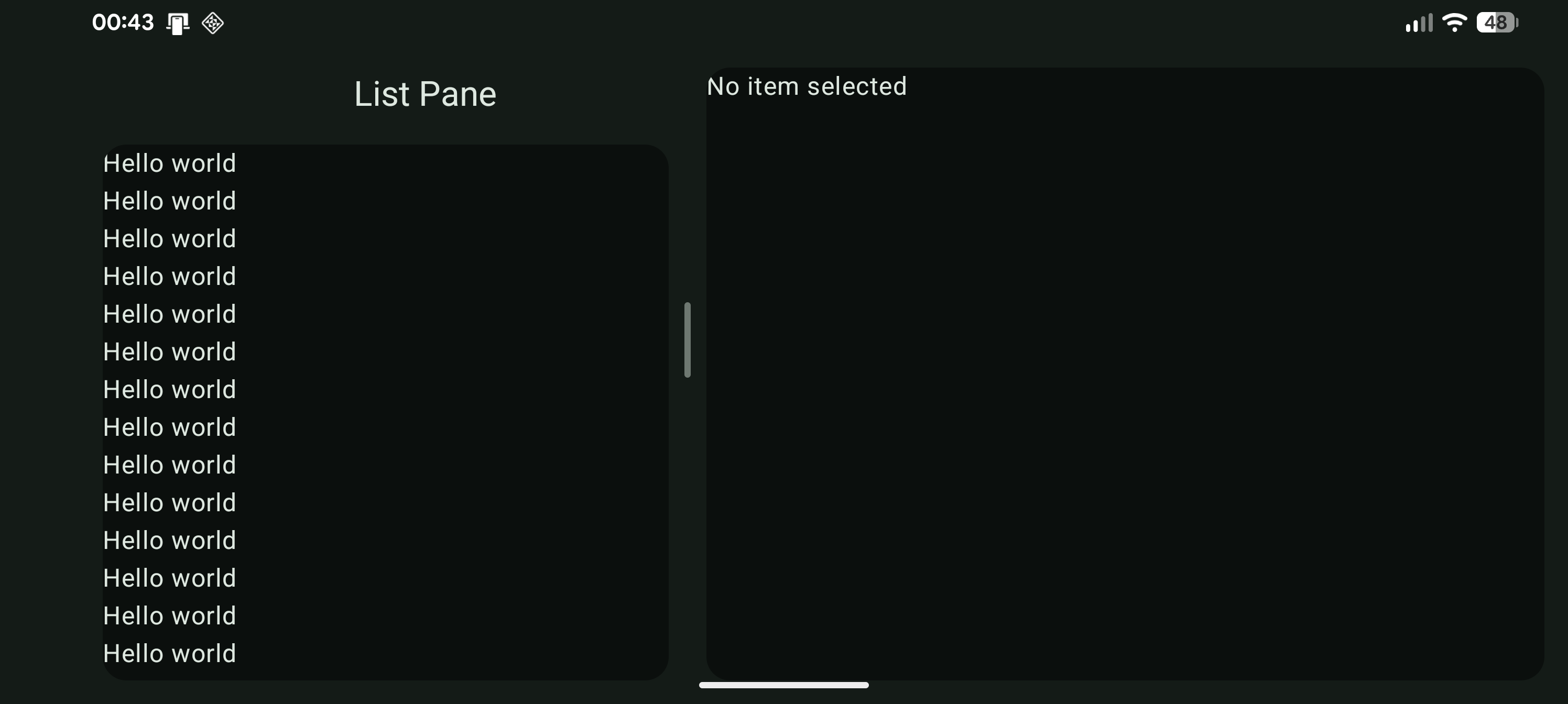
The landscape layout on phones was a bit off, though, given the custom layout Damier uses. To fix that, I made sure that the scaffold would ignore safe-content drawing for the display cutout.
Scaffold(
   ...,
   contentWindowInsets = WindowInsets.displayCutout.exclude(WindowInsets.safeContent)
) {
   ...
}
This led to the content being drawn behind the camera cutout.
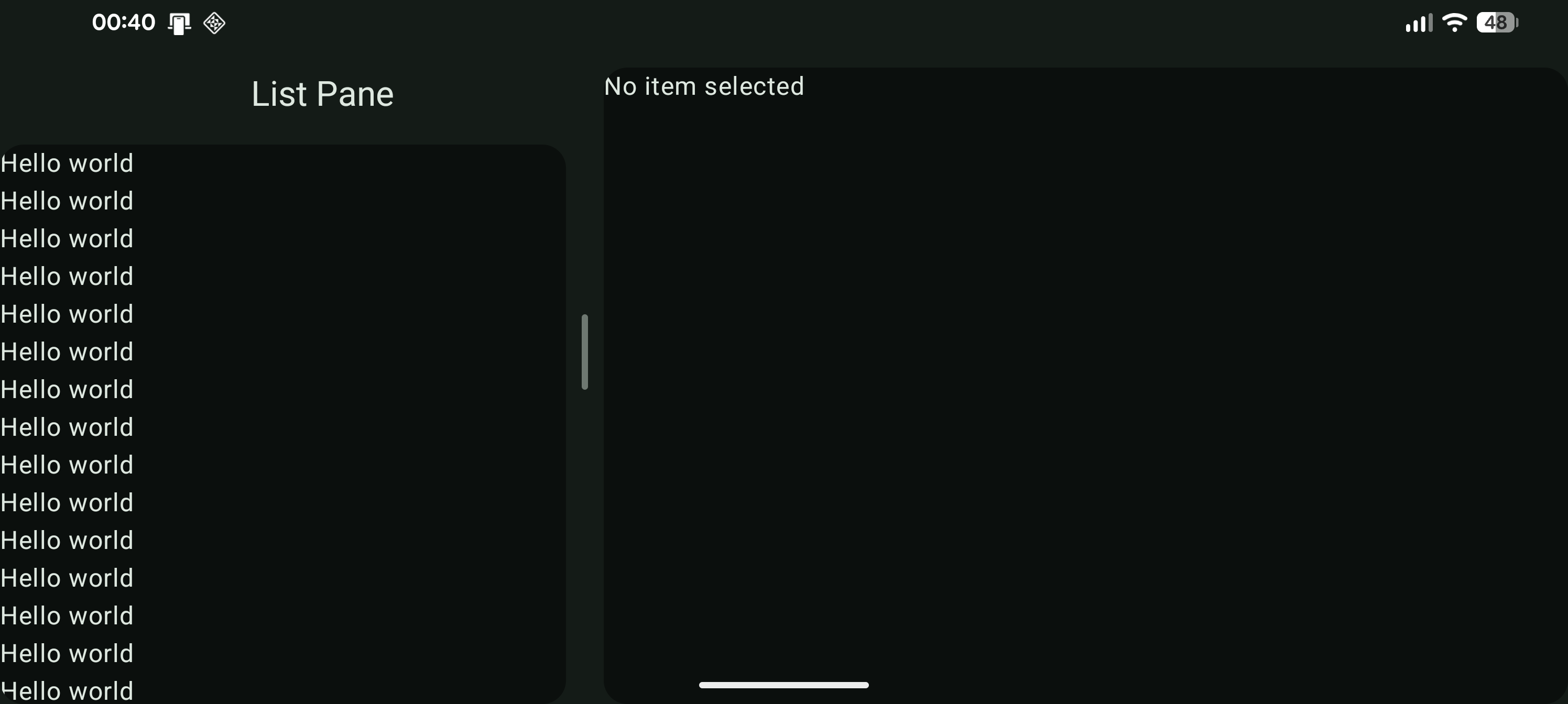
To correctly determine where to set the padding, I created an extension function that would calculate the padding dynamically and reliably.
@Composable
fun Modifier.adaptiveHorizontalCutoutPadding(
    start: Dp = 0.dp,
    top: Dp = 0.dp,
    end: Dp = 0.dp,
    bottom: Dp = 0.dp
): Modifier {
    val layoutDirection = LocalLayoutDirection.current
    val cutoutPadding = WindowInsets.displayCutout.asPaddingValues()
    val startPadding = cutoutPadding.calculateLeftPadding(layoutDirection)
    val endPadding = cutoutPadding.calculateRightPadding(layoutDirection)

    return this.padding(
        start = startPadding + start,
        top = top,
        end = endPadding + end,
        bottom = bottom
    )
}
Applying this code resulted in the expected behavior: padding only exists where it needs to be.
modifier = modifier
    .background(
        color = MaterialTheme.colorScheme.surfaceContainer
    )
    .adaptiveHorizontalCutoutPadding(
        start = if(showDetailPane) 15.dp else 0.dp,
        end = if (showDetailPane) 15.dp else 0.dp,
        bottom = if (showDetailPane) 15.dp else 0.dp
    ),